
PHOTOS - Access Flooring Panel and Under-Structure Photos:
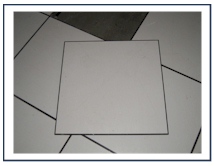 1. Top
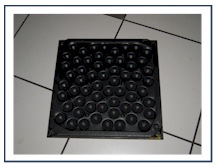 2. Bottom
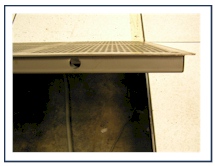 3. Side
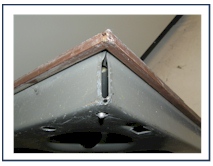 4. Corner
 5. Floor Finish
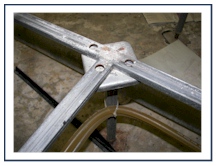 6. Pedestal & Stringer
HPL and Panel Thickness:
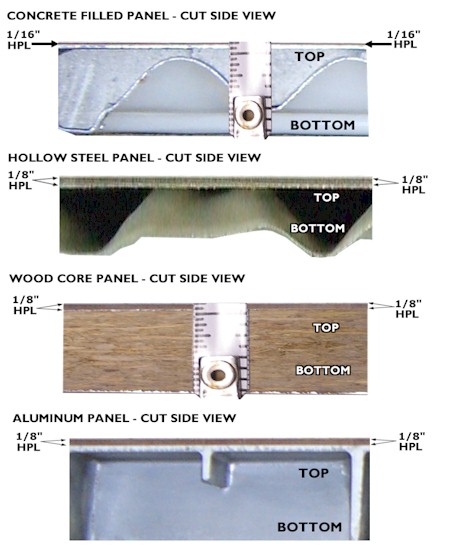
MEASURING THE HPL THICKNESS on your raised computer floor panel is best accomplished with a cut solid panel. The HPL sheet is usually adhered to the steel panel surface with a black or brown cork like backing. We need the total measurement of both the HPL Sheet and the backing. If a tape measure is not handy, a nickel can assist in measuring. If the HPL sheet is equal to the thickness of (1) nickel it is 1/16" and a thickness equal to (2) nickels is 1/8". Providing Pro Access with a clear and close up photo with a tape measure or ruler reference can also assist us in identifying the HPL thickness.
Click here to upload your photos and complete our online Replacement Panel Request.
Once we identify your panel type and measurements, Pro Access will provide you with a sample raised computer floor panel to allow you to confirm the fit and color before shipping your complete order.
**** Pro Access requires a minimum order of 25 panels (1 Pallet)
Thank you for your interest in Pro Access Floors Raised Computer Flooring Replacement Panel Services!